框架选择
QD
基于 HAR 的定时任务平台,上手简单。但是对于开发自由度来说不够高,也不好处理动态加载的页面。
青龙面板
相对友好的定时任务平台,自带依赖管理(Nodejs、Python、Linux),脚本类则支持 Python3、JavaScript、Shell、Typescript。
部署
1
2
3
4
5
6
7
8
|
# curl -sSL get.docker.com | sh
docker run -dit \
  -v $PWD/ql/data:/ql/data \
  -p 5700:5700 \
  --name qinglong \
  --hostname qinglong \
  --restart unless-stopped \
  whyour/qinglong:debain
|
坑点:
whyour/qinglong:latest 默认使用 alpine 精简镜像导致很多 python 依赖无法安装
因此选择 whyour/qinglong:debain 镜像。
签到脚本
本来是想用 requests 一把梭的,但是吾爱破解的签到页面用了动态加载 js ,直接访问接口会提示:请开启JavaScript并刷新该页。
想了解三者区别可以看这个:Playwright VS Selenium VS Puppeteer VS Cypress。
当时想着尝试新东西选了 playwright,体验很好,不再需要折腾各种新旧版本的 webdriver。
然后如无意外的出意外了。
playwright
如果快速上手可以看这一篇:[[Blog/Playwright 五分钟上手指南/playwright 五分钟上手指南]]
官方文档很详细,API 设计很好(语法符合操作直觉)。
下面是通用的签到流程代码。
 1
 2
 3
 4
 5
 6
 7
 8
 9
10
11
12
13
14
15
16
17
18
19
20
21
22
23
24
25
26
27
28
29
30
31
32
33
34
35
36
37
38
39
40
41
42
43
44
45
46
47
48
49
50
51
52
53
54
55
56
57
58
59
60
61
62
63
64
65
66
67
68
69
70
|
# coding:utf-8

import sys
import asyncio

from os.path import abspath, dirname, join
from loguru import logger
from playwright.async_api import async_playwright
from playwright_stealth import stealth_async

DIR_PATH = dirname(abspath(__file__))
PROXY = "http://localhost:7890"

# log
logger.add(f"{join(DIR_PATH, 'log/v2ex.log')}", format="{time} {level} {message}")

# conf
title = "V2EX"
cookie_file = join(DIR_PATH, "cookie/v2ex.json")
url = "https://v2ex.com"
sign_url = "https://v2ex.com/mission/daily"

# gotify
def push_msg(title, message):
    url = f"{gotify_host}/message?token={gotify_token}"
    data = {"title": title, "message": message, "priority": 7}
    resp = requests.post(url, json=data)

async def sign(playwright):
    chromium = playwright.chromium
    browser = await chromium.launch(headless=False, proxy=PROXY)
    context = await browser.new_context(
        ignore_https_errors=True,
        user_agent="Mozilla/5.0 (Windows NT 10.0; Win64; x64) AppleWebKit/537.36 (KHTML, like Gecko) Chrome/114.0.0.0 Safari/537.36",
    )
    # 从文件读取 Cookie
    context = await browser.new_context(storage_state=cookie_file)
    page = await context.new_page()
    # 隐藏 webdriver 特征
    await stealth_async(page)
    # 判断登录状态
    # v2ex 需要先访问首页才能带 referer,不然无法签到。参考:https://www.v2ex.com/t/846469
    await page.goto(url)
    if await page.get_by_text("记事本").focus():
        logger.error(签到成功)
    else:
        msg = "Cookie 过期"
        logger.error(msg)
    # 签到
    await page.goto(sign_url)
	if sign_button := await page.get_by_text("领取 X 铜币").first
		sign_button.click()
        msg = "领取铜币成功"
        logger.info(msg)
	else:
        msg = "今日铜币已领取"
        logger.info(msg)
    # 推送消息
    push_msg(title, msg)
    # 退出
    await browser.close()


async def main():
    async with async_playwright() as playwright:
        await sign(playwright)


if __name__ == "__main__":
    asyncio.run(main())
|
那么这么方便好用的代价是什么呢?
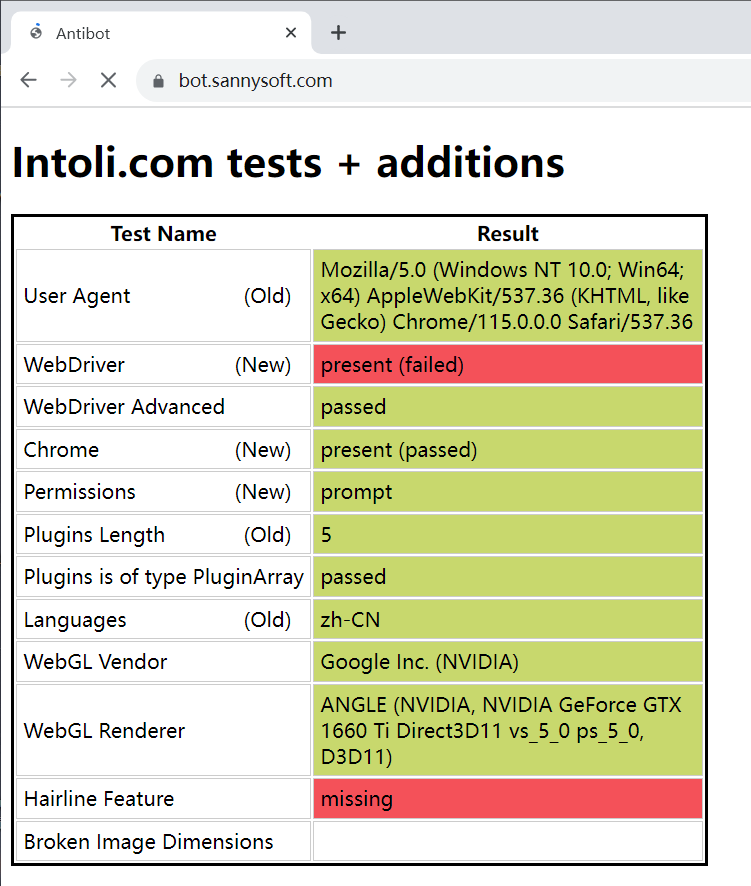
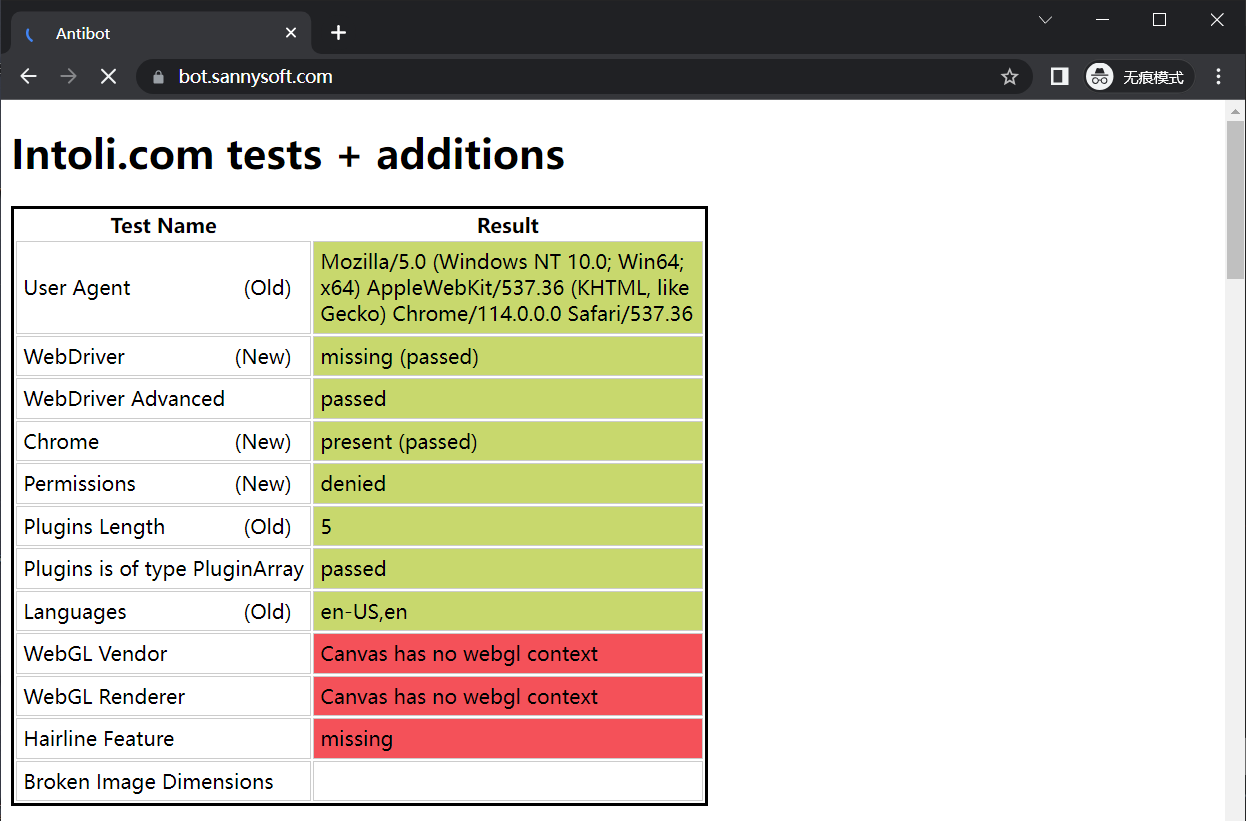
webdriver 检测
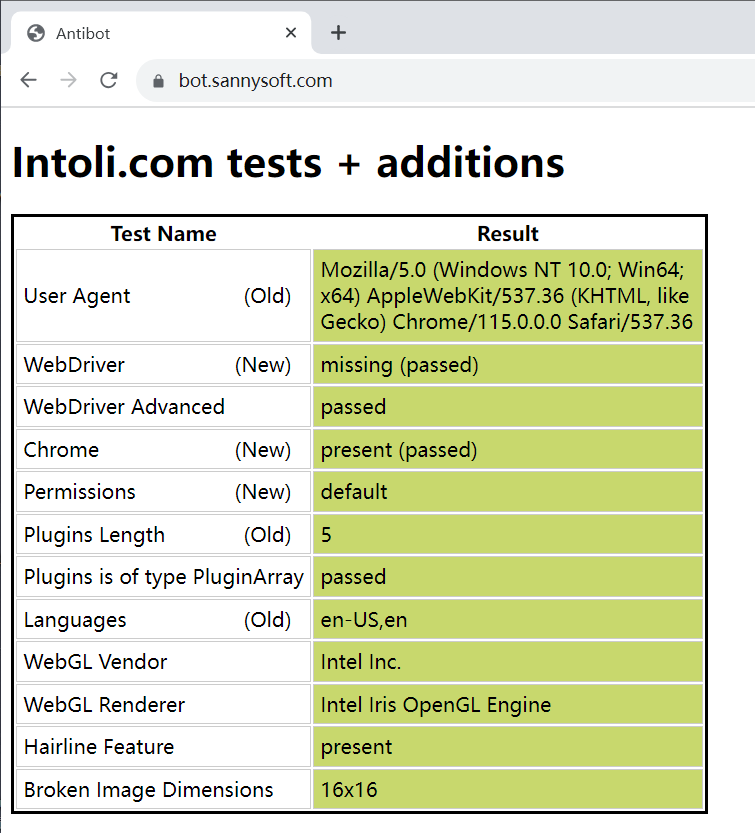
原生框架过不了 webdriver 检测。

解决办法:使用 playwright-stealth 绕过。
1
2
3
|
page = await context.new_page()  # 新页面
# 隐藏 webdriver 特征
await stealth_async(page)
|
而 Selenium 什么设置都不需要就能绕过,更多常用参数可以看这个 init_selenium_driver.py。
1
2
3
4
5
|
from selenium import webdriver

driver = webdriver.Chrome()
driver.get("https://bot.sannysoft.com/")
driver.close()
|
alpine 精简镜像的问题
根据 青龙无法安装python3的pycryptodome依赖 的说法,青龙平台使用 apline 镜像精简了很多东西,虽然体积小,但有很多依赖是需要进行编译安装的。而 alpine 本身的 C 实现是和 debian 这类系统是有区别的,导致即使库安装上了,却依然用不了
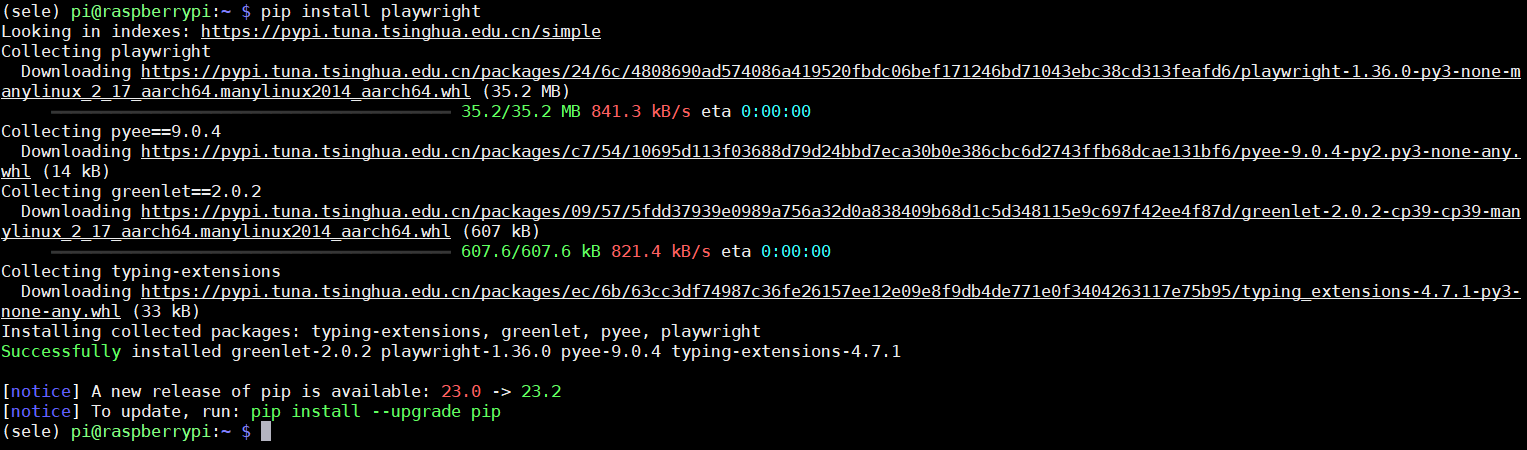
容器内部安装 playwright 失败。
而容器外部能正常安装。
即便 ddddocr 能在容器外部搭建 API 服务器解决,但要改仓库里面的镜像还有一大堆引用实现 playwright 实在不优雅,寄了。
吗?
Update At 2023-07-18
whyour/qinglong:debian
仓库作者最新回复:可以使用 whyour/qinglong:debian 镜像。
经测试容器内能安装上 playwright,但是树莓派 3B+ 孱弱的性能实在无法支持从容器内部执行 playwright。
而容器外部的原生环境执行一次签到需要一分钟多点(PC 平台5秒左右),所以在容器外部通过 apscheduler 错开一分钟实现定时签到。
又是白忙活的一天。
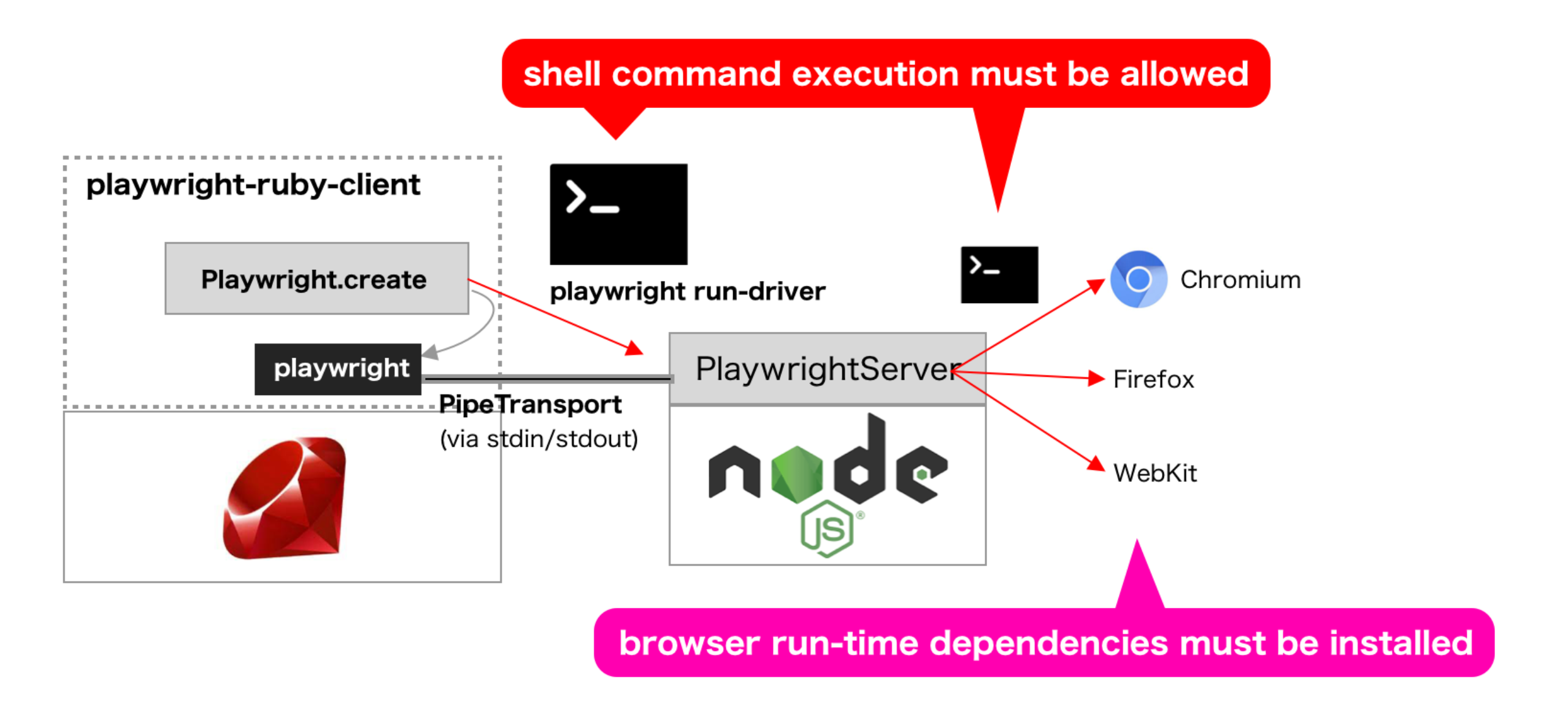
[不推荐]playwright Websocket Server
一开始是想看看有没有人在 alpine 内部安装 playwright 的,然后搜到 playwright_on_alpine_linux:
官方提供了相应 Dockerfile,只要安装 [playwright-python-remote](https://github.com/YusukeIwaki/playwright-python-remote 用 websocket 连接即可调用远程 playwright server。
1
|
pip install git+https://github.com/YusukeIwaki/playwright-python-remote
|
1
2
3
4
5
6
7
|
from playwright_remote.sync_api import sync_playwright_remote

with sync_playwright_remote('ws://127.0.0.1:8080/ws') as playwright:
  with playwright.chromium.launch() as browser:
    page = browser.new_page()
    page.goto('https://github.com/YusukeIwaki')
    page.screenshot(path='YusukeIwaki.png')
|
已在 Issue 评论区补充了实现方法,经测试,能从容器内部调用外部的 playwright ws 连接,但效率感人。
 次阅读
次阅读